Set the finished size
Enter the wearer’s hat size or measured head circumference, then select round, oval, or long-oval.
Practical tooling for a timeless craft
Blocksmith Works is a free hat block STL generator for hat makers and milliners. Create made-to-measure crown blocks, use the released Open Road Style brim-block tooling, and export printable files locally.
Round, oval & long-oval · four crown profiles · matching BS-1.0 stand · recommended fit check
No account. No subscription. Your model files and workshop records remain on your computer.
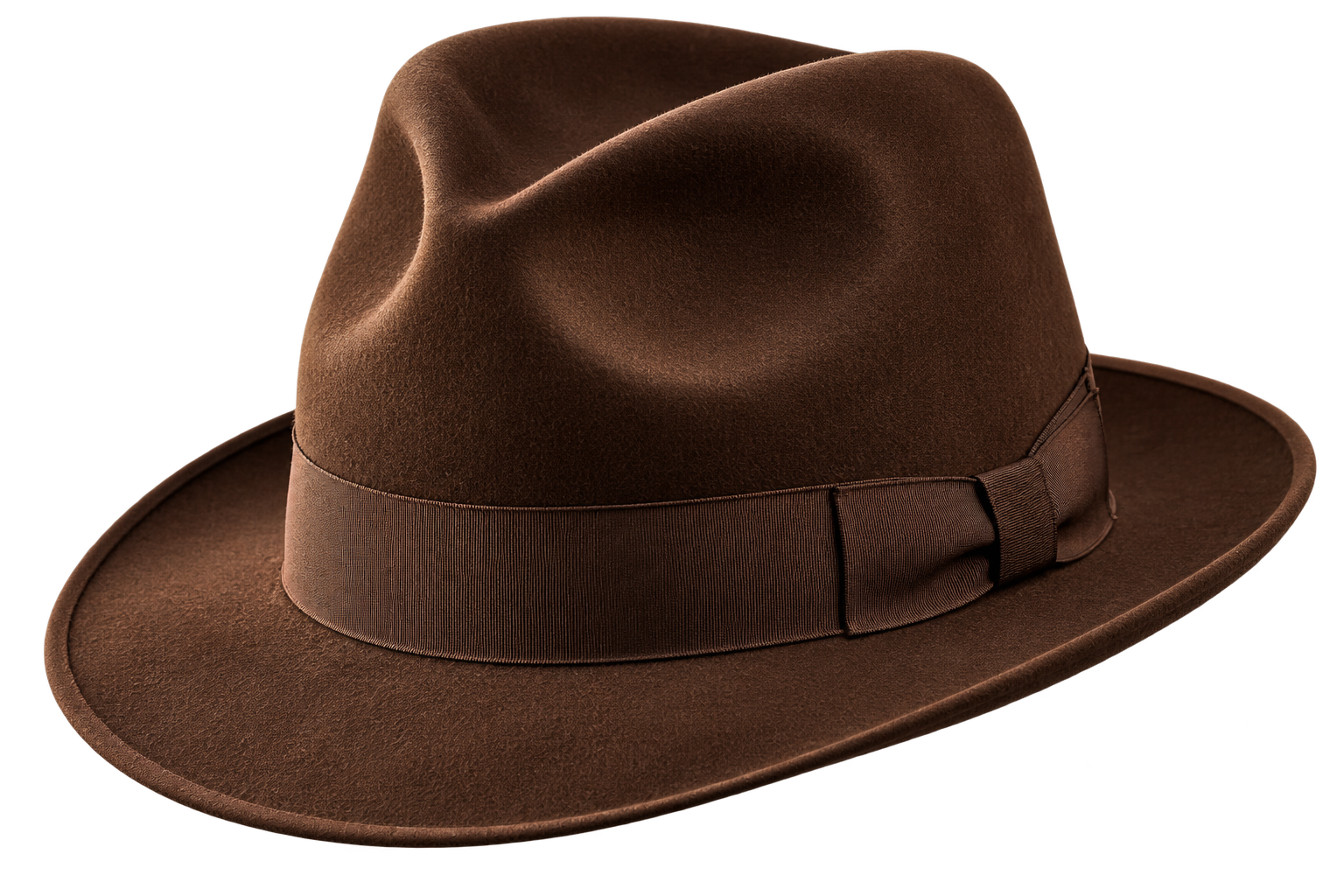
Choose your measurements, generate the crown block, confirm the slicer setup, and print the tool you need to make the hat a reality.
One verified package for workshop computers
Windows, macOS, and Linux use the same offline-capable ZIP. These are platform guides, not separate native installers.
The same source-included, offline-capable build is provided for all three systems. Extract the ZIP first, keep the folder together, and use the included shortcut helper to choose where you want a launcher created with the Blocksmith “B” medallion.
This SHA-256 fingerprint is a unique identification number for the official Blocksmith ZIP. Compare the result produced by your computer with the fingerprint shown below. If every character matches, your copy is unchanged.
5ff53d91259721e724d57e504d457fc500e5d400e649c2d0ab1e94ba4c65615bWindows: Open PowerShell in the Downloads folder, enter Get-FileHash .\Blocksmith-Works.zip -Algorithm SHA256, and compare the result.
Linux: Open a terminal in the Downloads folder, enter sha256sum Blocksmith-Works.zip, and compare the result.
macOS: Open Terminal in the Downloads folder, enter shasum -a 256 Blocksmith-Works.zip, and compare the result.
Generated profiles and STL files stay on your computer. External support, safety, and community links require an internet connection.
Precision in the design. Simplicity at the bench.
Learn more about the purpose, people-first approach, and future of the project on the About Blocksmith Works page.
Enter the wearer’s hat size or measured head circumference, then select round, oval, or long-oval.
Choose the overall crown height and one of four crown profiles.
Generate the STL, import it into your slicer, and print the crown block you need.
Start with the workshop workflow
A focused path from measurements to a printable crown block, with every important step clear at the bench.
Included
Available now
System requirements
Release notes & known issues
Hat Block Guides
Clear, naturally written guidance for choosing a block, preparing the STL, selecting the right oval, and printing a workshop tool.
A smoother tool begins in the slicer
Blocksmith Works produces the STL to the geometry you select. Your slicer controls the seam, layer strategy, and surface that will actually meet the felt.
Seam placement
A random seam distributes the small start-and-stop marks instead of leaving one raised line that could mark the felt. Inspect by touch after printing and lightly remove any isolated high spots before use.
Top-curve finish
Adaptive or variable layers produce a noticeably smoother crown contour by refining the curved upper surface while allowing practical layers on the straight wall. A useful starting range is 0.18–0.24 mm with a hardened 0.6 mm nozzle or 0.12–0.20 mm with a hardened 0.4 mm nozzle.
Contact surfaces
Fuzzy skin intentionally displaces the perimeter. It can alter dimensions, grip felt, and transfer texture. Keep it—and ironing—off on crown blocks, sockets, stand pads, and pegs.
Millinery release gate
After the print cools, inspect it in raking light and by touch. A working profile passes only when a felt witness shows no grid, scattered seam, or unintended texture transfer without requiring full-surface sanding.
PET-CF · hardened 0.6 mm nozzle preferred · 6 walls · 40% gyroid · at least 6 top and bottom shell layers · upright · external wall at 60 mm/s or the manufacturer’s lower limit. The stand uses 100% infill through the peg, root, and upper load pad. PLA is not a steam-service material.
| Printer route | Recommended use | Blocksmith note |
|---|---|---|
| Bambu H2S/H2D or X1 Carbon | Strong full-size PET-CF candidate | Use the manufacturer PET-CF profile and hardened 0.6 mm nozzle; repeat the fit and felt gates. |
| Bambu P1S | Candidate after composite-filament upgrades | The stock nozzle is stainless steel; install a compatible hardened 0.6 mm nozzle and verify the abrasion-resistant filament path. |
| Bambu A1 / A1 mini | Coupons, scaled tests, and dry displays | Open-frame composite printing is not the preferred route; A1 mini’s 180 mm cube excludes most full-size crowns. |
| Prusa CORE One family | Size-dependent full-size candidate | Confirm the selected X/Y envelope and use a manufacturer-approved abrasion-resistant nozzle for PET-CF. |
| Creality K1C | Size-dependent PET-CF candidate | The listed 220 × 220 × 250 mm volume will not accept every large or long-oval crown. |
Settings crosswalk: Bambu Studio/Orca — Random seam, variable layer height, Fuzzy skin None. PrusaSlicer — Random seam, Adaptive then Smooth, Fuzzy skin None. Cura/Creality Print — Random seam, Adaptive Layers, Fuzzy Skin Off. See the complete printer matrix inside the ZIP.
Safe work belongs at every bench
Inspect the printed tool, understand the material, and use controlled heat and steam practices before beginning work.
Your records. Your workshop.
Saved profiles and exported STL models stay separate from the application. Blocksmith Works does not upload your model files or workshop notes. The online workshop reports aggregate export counts by selected hat size, oval profile, and height.
BLOCKSMITH UPDATE CENTER
This checks the website’s release record without uploading your projects, measurements, or workshop data.
Ready to checkKeep the workshop open
Blocksmith Works will remain free for hat makers. Optional tips help offset testing and material costs while we maintain the crown and brim workshops, community tooling, and carefully tested future releases.
Tips are always optional. Sharing Blocksmith Works and reporting measured print results help just as much.
Knowledge shared is knowledge preserved
Blocksmith Works is shaped by measured prints, practical millinery experience, and clear reports. Tell us what you printed, how it measured, and what happened with felt, steam, and finishing.
The universal ZIP includes readable application source and the complete AGPL-3.0, CERN-OHL-S-2.0, and CC BY-SA 4.0 license texts. See LICENSE.md inside the package for the license map and the repository for source history.
Blocksmith Works uses its own first-party counters rather than an outside analytics service. After a visible visit or deliberate interaction, anonymous browser and 30-minute session cookies help count unique browsers, engaged sessions, active time, selected buttons, Online Workshop handoffs, STL exports, and verified package starts. Cookie values are cryptographically transformed before storage. Analytics does not store names, email addresses, accounts, model files, advertising identifiers, or IP addresses. Successful online crown exports contribute aggregate counts by selected finished hat size, oval profile, and height; standard/custom shape totals are also recorded. Detailed shape settings and model geometry stay on your device. If you send private feedback, the message and any optional reply contact are stored separately for the site owner. Country and, for United States visits, state are retained only as coarse two-letter codes supplied with the request. City and precise location are not stored. Broad device, operating-system and browser categories, including recognizable in-app browsers, help us improve compatibility. Full browser-identification strings, browser version numbers and hardware models are not retained. We also record anonymous export and download attempts and outcomes, broad error categories, source categories and campaign labels, and whether a successful feedback submission supplied reply contact. Owner-only problem reports also retain the Blocksmith release identifier, failure stage and fixed error code, elapsed times, file/mesh counts, selected size/profile/height, standard preset and standard/custom mode, and character counts for the four optional lettering lines. Lettering itself, raw exception messages and model geometry are never sent. Analytics receives no message text or contact values. You may exclude a browser from the private analytics dashboard. Choosing an external support or safety link takes you to that provider under its own privacy terms.
Blocksmith Works aims to support keyboard navigation, readable contrast, semantic headings, and useful image alternatives. If something prevents you from using the page or application, email BlocksmithWorks@gmail.com.
For support, documentation corrections, print results, or professional millinery feedback, email BlocksmithWorks@gmail.com.